
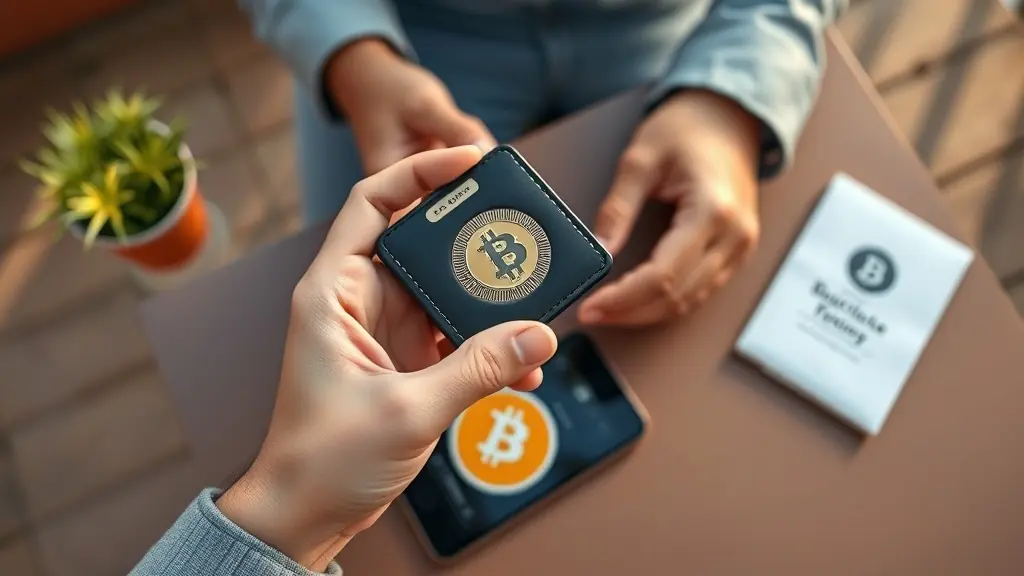
To set up a crypto wallet in the US, first choose between a hardware wallet (like Ledger Nano X) for enhanced security or a software wallet (like Coinbase Wallet) for convenience. Download the chosen wallet app or purchase the hardware device. Follow the installation instructions, create a strong password, and securely back up your recovery phrase. Fund your wallet using USD through a US-based exchange, ensuring you understand transaction fees. Regularly update your wallet software to maintain security.
Are you looking to dive into the world of cryptocurrency but feel overwhelmed by the wallet setup process? You're not alone. Setting up a crypto wallet can seem daunting for beginners in the US, especially with the myriad of options and security considerations to juggle. This step-by-step guide is designed to cut through the complexity, providing a clear, easy-to-follow path to getting your first crypto wallet up and running. By the end, you'll be equipped with the knowledge to securely manage and store your digital assets with confidence.
Understanding the Different Types of Crypto Wallets
When it comes to storing cryptocurrencies, users have two main options: hardware wallets and software wallets. Hardware wallets, such as the Ledger Nano X and Trezor Model T, are physical devices that store your private keys offline. This significantly enhances security against online threats, making them ideal for long-term storage of digital assets. On the other hand, software wallets are applications or programs that run on your computer or mobile device. While they offer convenience and ease of access, they’re more vulnerable to hacking attempts due to their online nature.
Each wallet type has its own advantages and disadvantages. Hardware wallets are known for their robust security features, including encryption and the ability to store assets offline. However, they can be more expensive and less convenient for frequent transactions since you must physically connect the device to access your funds. Software wallets, like Coinbase Wallet or MetaMask, provide quick access and user-friendly interfaces, making them suitable for everyday transactions and trading. Yet, their reliance on internet connectivity makes them susceptible to malware attacks.
Choosing the right wallet depends on your specific needs. If you plan to hold a significant amount of cryptocurrency for an extended period without frequent trading, a hardware wallet is likely the best option due to its superior security measures. Conversely, if you’re actively trading or need quick access to your funds for daily transactions, a software wallet might be more appropriate. It’s also worth considering hybrid options that combine both types; for instance, you can use a software wallet for everyday transactions while storing larger amounts in a hardware wallet.
In summary, understanding the differences between hardware and software wallets is crucial for making informed decisions about your crypto storage strategy. Each type serves unique purposes based on user needs—whether it's security or accessibility—so evaluating how you intend to use your cryptocurrencies will guide you in selecting the right solution.
Choosing the Right Crypto Wallet for Your Needs
When selecting a crypto wallet, several factors come into play that can significantly impact your experience and security. First, consider the type of assets you plan to store. Some wallets support only specific cryptocurrencies, while others provide access to a broader range. If you’re looking to manage multiple coins or tokens, opt for a versatile wallet that accommodates various assets. Additionally, think about how often you plan to access your funds; if you need frequent access, a mobile or web-based wallet may be more suitable.
User-friendliness is essential for beginners who might feel overwhelmed by the technicalities of crypto storage. Coinbase Wallet is a popular choice for those just starting due to its intuitive interface and seamless integration with the Coinbase exchange. This wallet allows users to easily send and receive digital currencies without extensive prior knowledge. Other beginner-friendly options include Trust Wallet and MetaMask, both of which offer straightforward setups and guided processes for new users.
Security features are paramount when choosing a wallet since they protect your investments from theft or loss. Look for wallets that offer robust security measures like two-factor authentication (2FA), biometric login options, and private key control. Hardware wallets like Ledger Nano X or Trezor Model T provide an extra layer of protection by storing your keys offline, making them less vulnerable to online attacks. Always ensure that any software wallet you choose has a solid reputation and positive reviews regarding its security protocols.
Key Features to Evaluate
- Backup Options: Ensure the wallet provides a reliable backup method in case of device loss.
- Customer Support: Consider wallets with strong customer service to assist with any issues that arise.
- Transaction Fees: Be aware of any fees associated with sending or receiving funds.
By evaluating these aspects—asset support, user experience, and security—you can select a wallet that aligns well with your investment strategy and personal preferences. The right choice will not only keep your investments secure but also enhance your overall experience in the crypto space.
Step-by-Step Guide to Setting Up a Software Wallet
Setting up a software wallet is an essential step for anyone looking to manage cryptocurrency securely. For this guide, we'll focus on the Coinbase Wallet, which is user-friendly and widely used. First, you'll need to download the app from the App Store or Google Play Store. After installation, open the app to begin the setup process.
The next step is creating a secure password. This password should be strong and unique, combining upper and lower case letters, numbers, and special characters. Aim for at least 12 characters to enhance security. Remember that this password is crucial for accessing your wallet, so take your time to choose something memorable but difficult for others to guess.
Once you've set your password, the app will prompt you to back up your wallet. This step is vital as it ensures you can recover your funds if you lose access to your device. Coinbase Wallet will generate a recovery phrase consisting of 12 random words. Write this phrase down on paper and store it in a safe place—never share it with anyone or store it digitally where it could be compromised. If someone gains access to this phrase, they could potentially access your funds.
After backing up your wallet, you can start using it to store various cryptocurrencies. The app allows you to send and receive digital assets easily. Additionally, you can explore decentralized applications (dApps) directly from within the wallet interface.
As you familiarize yourself with Coinbase Wallet, consider checking out its features like token swaps and NFT management. These tools can enhance your experience as you engage with the crypto ecosystem. Always ensure that you keep your software updated to benefit from security enhancements and new functionalities.
Step-by-Step Guide to Setting Up a Hardware Wallet
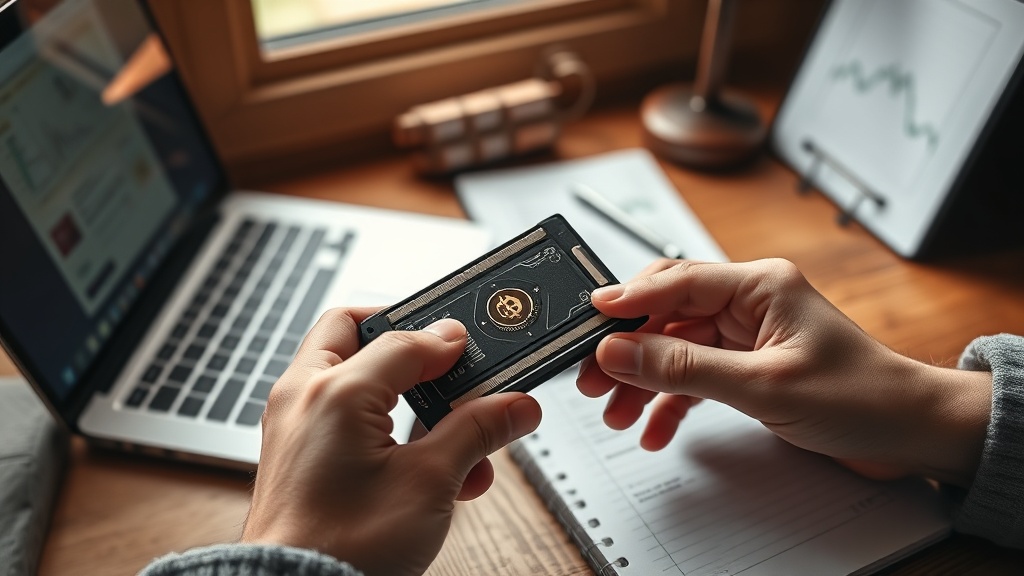
Setting up a hardware wallet like the Ledger Nano X is essential for securing your cryptocurrencies. Start by unboxing your device. Inside, you'll find the wallet itself, a USB-C cable, and a recovery sheet. Connect the Ledger Nano X to your computer or mobile device using the USB-C cable provided. Make sure to use only the official cable to avoid any security risks. Once connected, power on the unit by pressing the button located on the side.
Next, you'll need to install Ledger Live, the companion software that manages your crypto assets. Download it from the official Ledger website to ensure you’re getting a genuine version. After installation, open Ledger Live and select "Get Started." You'll be prompted to set up your device. Follow the on-screen instructions to create a new wallet. This process includes setting a PIN code and writing down your recovery phrase—a crucial step for accessing your funds if you lose or damage your hardware unit.
Once you have completed these steps, it’s time to transfer funds into your new key store. In Ledger Live, navigate to the "Accounts" tab and select "Add Account." Choose the cryptocurrencies you plan to manage with your wallet and follow any prompts that appear. To transfer funds, you’ll need to generate a receiving address for each cryptocurrency. Click on "Receive," select your asset, and copy the address provided. You can then use this address when sending funds from an exchange or another wallet.
Transferring Funds
When you're ready to send assets from an exchange like Coinbase or Kraken, ensure you’re using the correct receiving address generated by your Ledger Nano X. Double-check that you're sending compatible cryptocurrencies; sending unsupported tokens can result in permanent loss of funds. For added security, consider sending a small test transaction before transferring larger amounts.
After initiating the transfer, wait for confirmations based on the network's speed before considering it complete. Once confirmed, you’ll see your balance reflected in Ledger Live under the respective account. This process not only secures your digital assets but also gives you full control over them.
Best Practices for Securing Your Crypto Wallet
Securing your crypto wallet is paramount to protecting your digital assets. One of the most effective measures you can take is enabling two-factor authentication (2FA). This adds an extra layer of security by requiring not just your password but also a second form of verification, typically a code sent to your mobile device. With 2FA activated, even if someone manages to obtain your password, they won’t be able to access your account without that second factor. Many wallet providers, including Coinbase and Kraken, offer this feature as part of their security protocols.
Another essential practice is regularly updating your wallet software. Developers frequently release updates that patch vulnerabilities and enhance security features. By keeping your software current, you minimize the risk of exploitation from known security flaws. Make it a habit to check for updates every few weeks or enable automatic updates if the option is available. This proactive approach can significantly reduce the chances of falling victim to cyberattacks.
Recognizing phishing attempts is also crucial in safeguarding your assets. Phishing scams often come in the form of emails or messages that appear legitimate but aim to trick you into revealing sensitive information such as passwords or private keys. Always verify the source before clicking on links or entering personal information. If an email claims to be from your wallet provider but contains spelling errors or unusual requests, treat it with suspicion and report it to customer support.
Using a strong, unique password for your wallet adds another layer of security that shouldn’t be overlooked. A robust password typically combines uppercase and lowercase letters, numbers, and special characters, making it difficult for hackers to guess or crack through brute force methods. Avoid using easily obtainable information like birthdays or common words. Instead, consider using a password manager to generate and store complex passwords securely.
Finally, consider utilizing hardware wallets like Ledger Nano X or Trezor Model T for added security when storing larger amounts of cryptocurrency. These devices keep your private keys offline, reducing the risk of online attacks significantly. Combining these practices will create a comprehensive security strategy that helps protect your crypto assets effectively.
What is the best crypto wallet for beginners in the US?
For beginners, Coinbase Wallet is a top choice due to its user-friendly interface and strong integration with the Coinbase exchange. It supports a wide range of cryptocurrencies and provides robust security features, making it ideal for those new to digital assets.
How do I secure my crypto wallet?
Securing your crypto wallet involves using two-factor authentication (2FA) and creating strong, unique passwords. 2FA adds an extra layer of protection by requiring a second form of verification, while a strong password helps prevent unauthorized access.
Can I use multiple crypto wallets?
Yes, using multiple crypto wallets can be beneficial as it allows you to diversify your holdings and increase security. By separating different types of assets or transactions across various wallets, you minimize risk and gain more control over your digital funds.
What should I do if I lose access to my crypto wallet?
If you lose access to your crypto wallet, having a recovery phrase or backup options is crucial. These tools help you regain control over your assets by allowing you to restore your wallet on another device.
Mastering Crypto Wallet Security
The journey of setting up a crypto wallet in the US involves understanding both the technical setup and the critical security measures that safeguard your investments. By implementing strong passwords and two-factor authentication, you significantly enhance the security of your digital assets. Additionally, using hardware wallets like Ledger Nano X or Trezor Model T can further protect larger holdings by keeping private keys offline.
Ultimately, adopting these practices ensures that you are well-equipped to manage and protect your cryptocurrency effectively. Whether you're just starting out or looking to fortify existing strategies, integrating these steps into your routine will provide peace of mind as you navigate the evolving world of digital finance.